
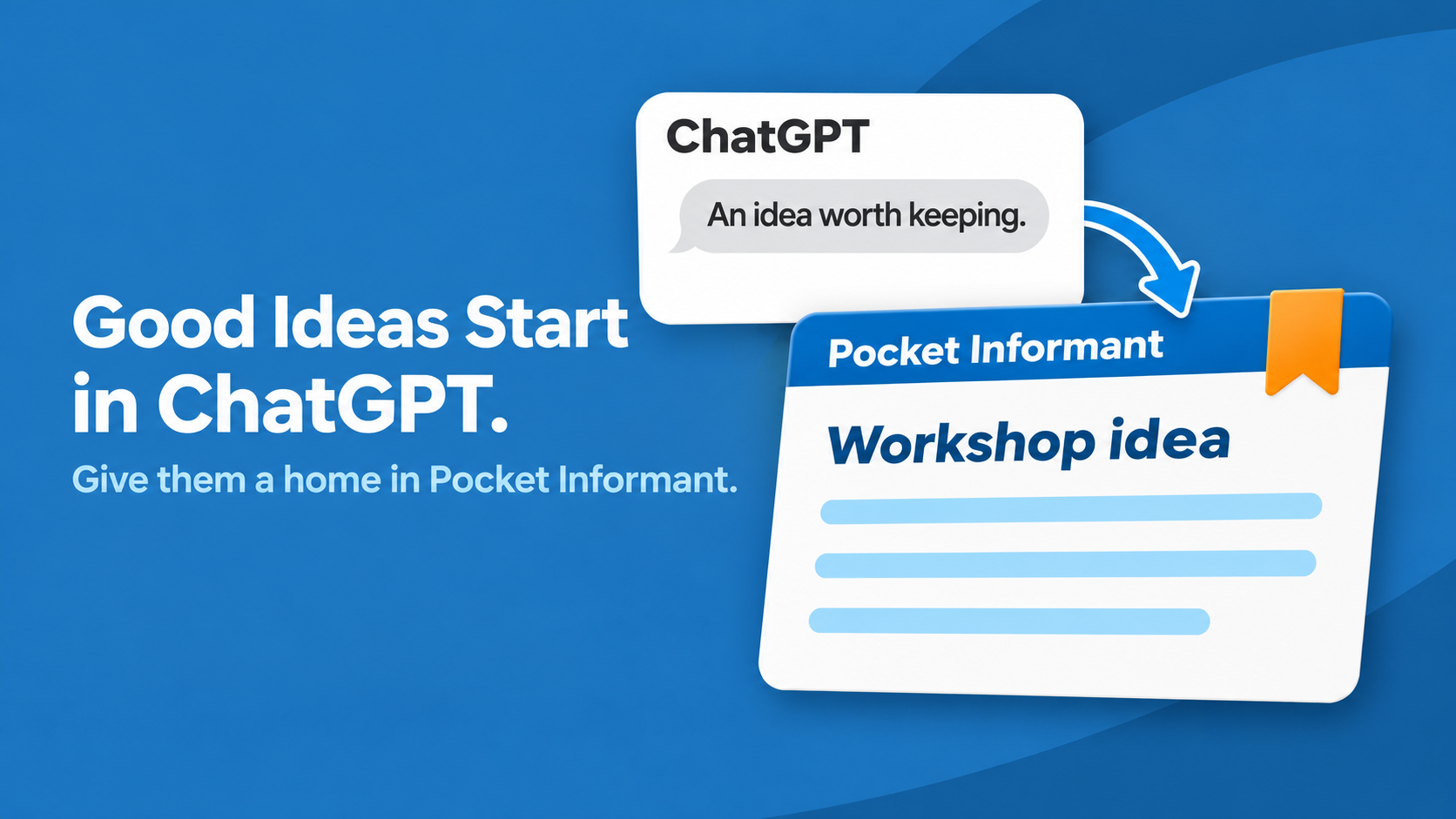
You ask ChatGPT a question. A few messages later, you have something worth keeping: an idea for a workshop, the beginning of a story, or a better way to explain a service.
You tell yourself you will come back to it.
But when you do, you have to remember which conversation it was in and where the useful part began.
The idea deserves a clearer home. With Pocket Informant for ChatGPT, you can ask ChatGPT to create a note in your connected Pocket Informant account. That gives you a practical way to save ChatGPT ideas while you are still working through them.
Save the idea, not every turn of the conversation
A conversation contains more than its best idea. There are questions, alternatives, and suggestions you have already decided against.
Before saving anything, choose what you want to keep.
Suppose you have been exploring a beginner photography workshop. The conversation covered equipment, venues, pricing, and promotion. The part you actually like is much simpler:
- A small outdoor session for beginners.
- Participants can use their phones.
- The focus is noticing light and composing a photograph.
That is enough to preserve the idea without carrying every discarded possibility along with it.
Give it a title you will recognize later
“Good idea” means something now. A few weeks from now, it may mean very little.
A title such as “Beginner photography workshop” tells you what the note is about before you open it.
Then add the context that made the idea interesting. Who is it for? What should it help them do? What question remains unanswered?
For our hypothetical workshop, the missing question might be whether people want a one-hour introduction or a longer practical session. Keeping that question with the idea gives you somewhere useful to begin next time.
Ask ChatGPT to create the note
Once Pocket Informant is connected, give ChatGPT the title and the content you want saved. For example:
“Create a note in Pocket Informant called Beginner photography workshop. Include: An outdoor session for beginners using phone cameras. Focus on noticing light and composing a photograph. Question to explore: Would a one-hour introduction or a longer practical session be more useful?”
This is an example request, not a preview of an exact response. Review the result, then open the note in Pocket Informant to check that the title and content match what you intended.
You can also ask ChatGPT to search your Pocket Informant notes when you want to return to something you have saved.
Keep the idea without making it a deadline
Saving an idea does not mean promising to act on it tomorrow.
The workshop may be worth exploring after your current project. The story may need time to develop. The service idea may depend on a conversation you have not had yet.
Let the note hold the possibility. When you decide to pursue it, choose a specific next action, such as asking two potential participants what they would want to learn.
You have preserved the thought and left yourself a starting point. That is a useful outcome on its own.
Give your next good idea a place to go
The next time a ChatGPT conversation produces something you want to keep, pause before moving on. Choose the useful part, give it a recognizable title, and ask for a Pocket Informant note.
Explore Pocket Informant and give your next good idea a place beyond the conversation.
Ready to connect Pocket Informant to ChatGPT?
You will need a ChatGPT account and a Pocket Informant account with an Informant Sync subscription.
Our step-by-step guide walks you through connecting your account and starting your first conversation.
How to connect your Pocket Informant account to ChatGPT
See Your Schedule and Tasks Together
A realistic plan gets easier when your appointments and tasks aren’t living in completely separate worlds. Pocket Informant brings calendar and task planning together so you can see more of your day in one place.


Leave A Comment
You must be logged in to post a comment.