
You reopen the document you were working on yesterday. The last paragraph is unfinished. There are several tabs open, a few highlighted numbers, and a comment that says “check this.”
Check what, exactly?
Before you can continue, you have to work out where you left off.
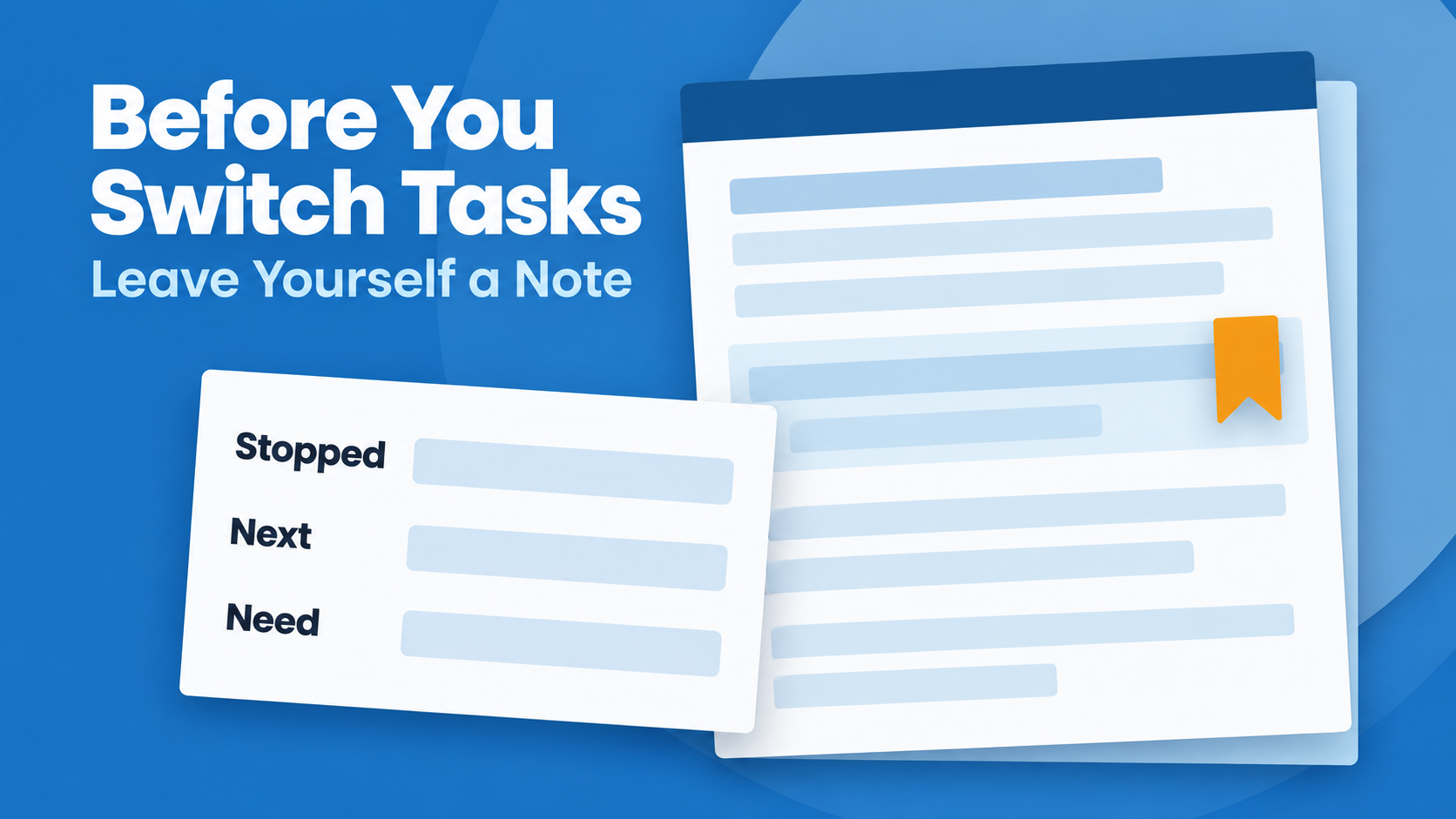
If you want a practical way to resume interrupted work, try leaving yourself a short restart note before you switch tasks. Write down your stopping point, your next action, and anything you will need when you return.
Answer three questions before you leave
A restart note can be a few lines. Give your future self enough information to answer:
- Where did I stop? Describe the last useful thing you completed.
- What should I do next? Name one specific action you can begin.
- What do I need? Include the file, reference, question, or decision that matters.
For example, imagine you are preparing a monthly report and need to stop for a meeting. You could leave this note:
Stopped: Finished the sales summary. The expenses section still needs checking.
Next: Compare the travel total with the receipts spreadsheet.
Need: March receipts file, Travel tab. Check whether the hotel refund is included.
When you return, you have a starting point that is more useful than “finish report.”
Write an action you can recognize later
The note needs to make sense after the details have faded.
“Continue,” “sort this out,” and “check numbers” may feel perfectly clear while you are working. Read them as if someone else had left them for you. Would you know what to open or what to do first?
Replace the vague instruction with something you can recognize:
- Instead of “finish slides,” write “add the customer example to slide six.”
- Instead of “check paperwork,” write “compare the renewal date on the letter with the account page.”
- Instead of “continue planning,” write “choose between the two venues in the shortlist.”
You can keep the larger task on your list. The restart note simply tells you where to begin within it.
Use the same habit outside work
Restart notes can help you organize household paperwork and personal projects too. Here are two hypothetical examples.
Household paperwork: “Sorted the insurance letters by date. Next, find the latest renewal notice and compare its address with the online account. The letters are in the blue folder.”
Project planning: “Shortlisted two venues for the family gathering. Next, compare capacity and accessibility before choosing. Both quotes are in the planning folder; one still needs a reply about parking.”
Notice that each note includes a place to look and a decision or action to make. You can pick up the work without relying on an instruction as broad as “deal with insurance” or “plan gathering.”
Keep the note where you will find it
Choose a home that fits the work. That might be beside the unfinished section in a document, in the relevant project record, or on a clearly labeled sheet with physical paperwork.
Keep one current restart note for that piece of work. When you make progress, update it so you do not return to yesterday’s instructions.
If you are stopping unexpectedly and have room for only one line, write the next action. Add the supporting details when you can.
Decide when to return
A useful note explains how to restart. You still need to decide when the work belongs in your day.
Review it alongside your other commitments. Does it need attention today? Can it wait until after an appointment? Is something else preventing you from continuing?
If you are waiting for an answer, record that dependency rather than leaving yourself an action you cannot take yet. Our guide to tracking follow-ups explains how to give an unanswered request its own next step.
Pocket Informant brings calendar and task planning together, so you can consider your next action alongside the time already committed to appointments.
Try it before your next switch
Before you close a document, put away paperwork, or leave for a meeting, complete these three lines:
I stopped at:
My next action is:
I will need:
Keep it brief and specific. When you return, start with that note and update it as the work moves forward.
Leave yourself something useful to come back to.
Explore Pocket Informant to plan your tasks alongside your calendar.
See Your Schedule and Tasks Together
A realistic plan gets easier when your appointments and tasks aren’t living in completely separate worlds. Pocket Informant brings calendar and task planning together so you can see more of your day in one place.



Leave A Comment
You must be logged in to post a comment.