
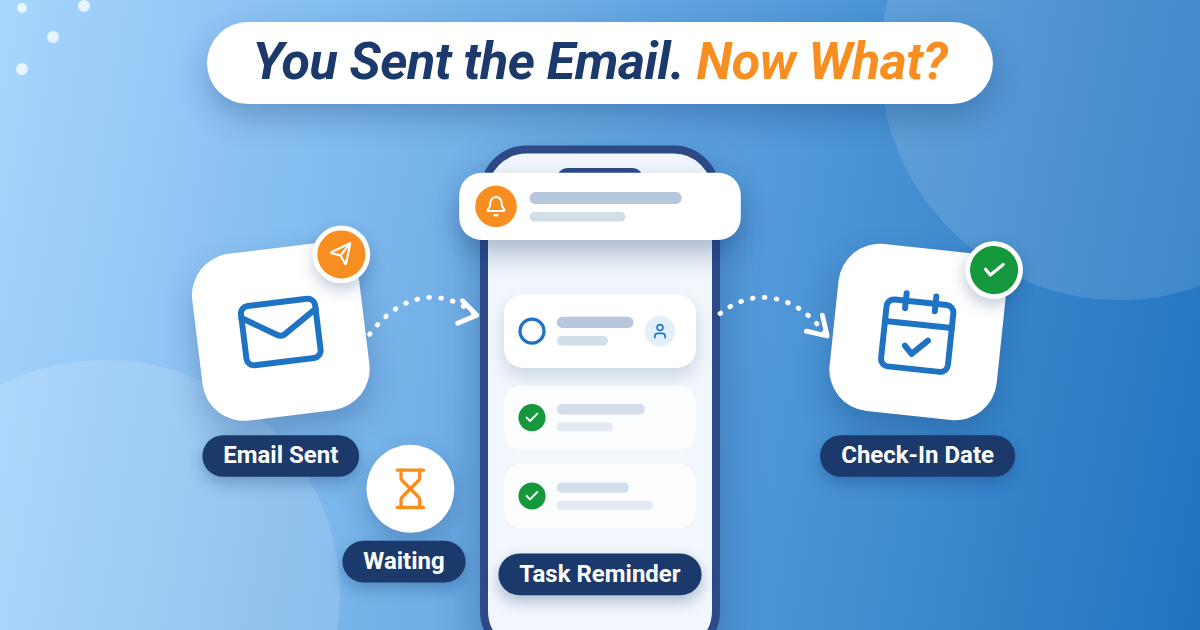
You sent the email. You asked for the quote. You handed over the document for approval.
For now, your part is done.
A few days later, you remember that you still need an answer. Was someone going to get back to you? Did they give you a date? And where did you put that conversation?
Knowing how to track follow-ups gives those unfinished requests a place to live. Start with a simple record of what you need, who you are waiting for, and when you will check again.
Keep the request open until the outcome is clear
Sending a message is an action you can finish. Getting the answer may take longer.
Imagine you need a contractor’s quote before deciding whether to book a repair. You send the request and check “Email contractor” off your list. That action is complete, but the decision is still waiting on the quote.
Give the next step its own task: Follow up with Jordan about the repair quote.
Now there is something specific to return to if the answer does not arrive.
The same approach works for a document awaiting approval, an appointment request, or a question you need answered before continuing a project.
Write down enough to pick it up again
A useful follow-up record answers four questions:
- Who: Who needs to respond?
- What: What answer, decision, or item do you need?
- When: When did they say they would respond, or when will you check back?
- Where: Where can you find the original request or supporting details?
For example, a hypothetical record might read:
Jordan: repair quote. Requested Tuesday. Jordan expects to reply Friday. Check Monday if the quote has not arrived. Original request is in the email thread titled “Kitchen repair quote.”
You do not need to copy the whole conversation. Keep the details that will help you understand the request when you return to it.
Choose a check-in date that fits the request
There is no single follow-up schedule that suits every situation.
If someone promised an answer by Friday, use that commitment to choose your next check. If no timing was discussed, consider when you actually need the answer and how much time the other person may reasonably need.
For something time-sensitive, state the deadline clearly in your original message. A request that blocks tomorrow’s work needs a different conversation from a quote for a project you might start next month.
Keep the final deadline and your check-in date distinct. Checking on an approval Tuesday may give you time to resolve a delay before the document is needed Thursday.
Make the next message easy to answer
When it is time to follow up, give the person enough context to respond without reconstructing the whole exchange.
A hypothetical approval follow-up could say:
“Hi Sam, I’m checking on the draft I sent Tuesday. We need the approved version by Thursday to keep the project on schedule. Can you confirm whether it is ready, or let me know what still needs changing?”
That message identifies the request, explains the timing, and asks for a clear response.
If the answer is delayed, decide what you will do next. You might agree on a new date, ask whether someone else can help, or adjust the work that depends on it.
Close the loop when the answer arrives
Once you receive a response, update the follow-up task.
If you have what you need, complete it. If the reply creates another action, capture that action. An approved draft may now need to be sent to the printer. A repair quote may need to be reviewed before you confirm the booking.
For an appointment request, record the confirmed appointment and check whether there is any preparation to do beforehand.
If the request no longer matters, remove the follow-up. Keep your list useful by letting finished or canceled requests leave it.
Include follow-ups in your daily planning
When reviewing your day, check which requests need attention alongside your other tasks and appointments.
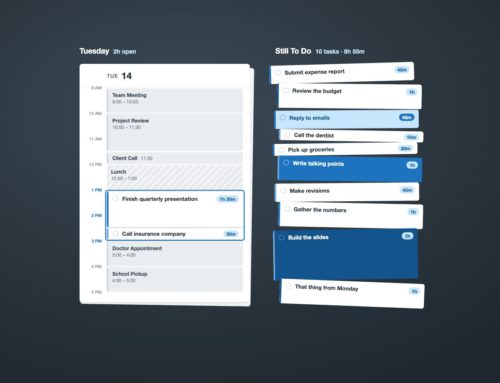
Pocket Informant brings calendar and task planning together, so you can consider a follow-up alongside the meeting or deadline it affects. Use a clear task title that tells you who to contact and what you need.
Start with one request you are currently waiting on. Record the person, the missing answer, and your next check-in date.
The next time you wonder, “Did anyone get back to me about that?” you will have a specific place to look and a clear next step.
Explore Pocket Informant to bring your calendar and task planning together.
See Your Schedule and Tasks Together
A realistic plan gets easier when your appointments and tasks aren’t living in completely separate worlds. Pocket Informant brings calendar and task planning together so you can see more of your day in one place.


Leave A Comment
You must be logged in to post a comment.