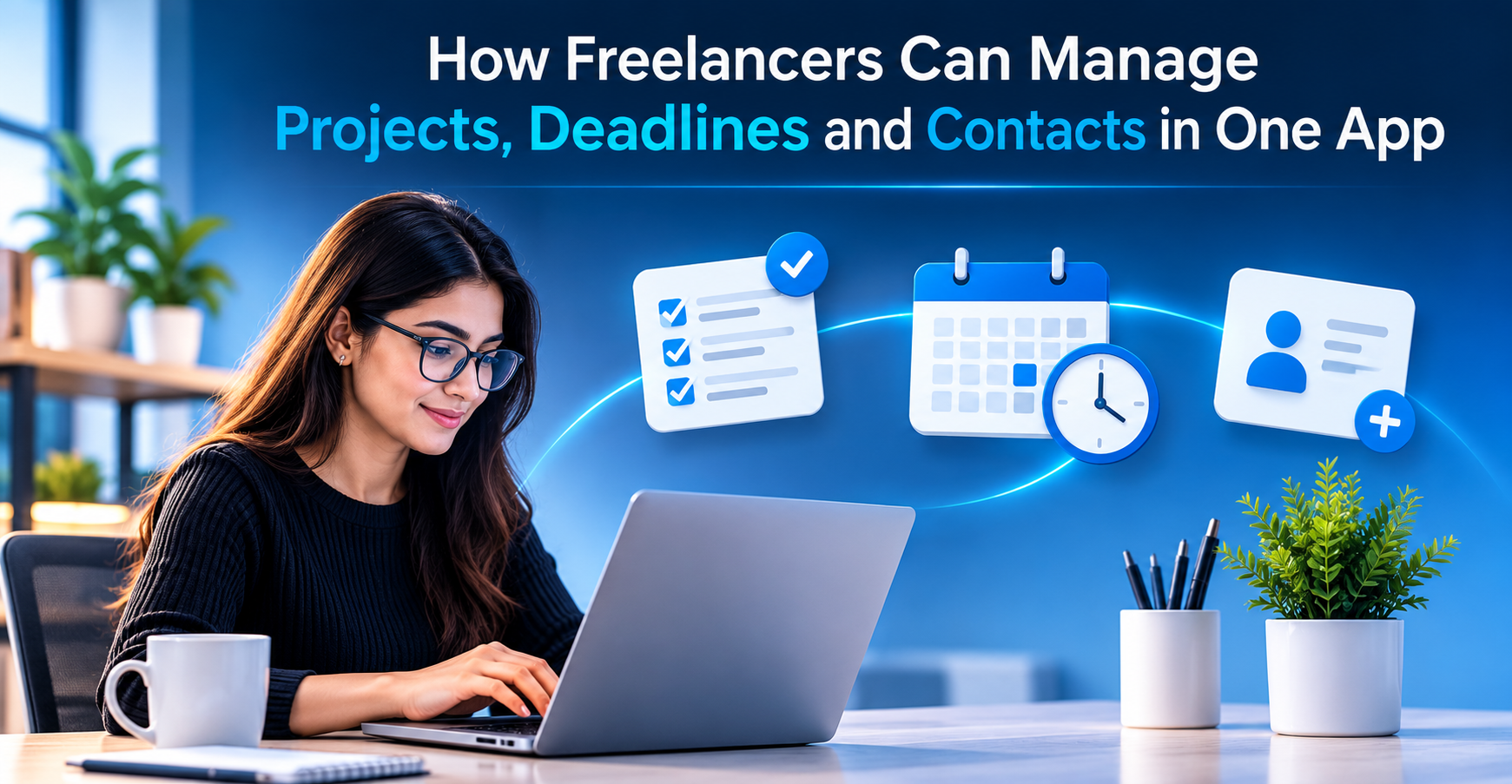
Every freelancer knows the feeling. A client email is buried in your inbox, a deadline is scribbled in a notebook, and the phone number you need is saved somewhere you can’t remember. Working for yourself is rewarding, but scattered tools turn small tasks into daily stress.
The fix is simpler than most people think: one freelance project management app that keeps your projects, deadlines, and contacts together. In this guide, we’ll look at why scattered tools hurt your income, what to look for in the right app, and how Pocket Informant helps independent professionals stay organized from the first pitch to the final invoice.
Why Freelancers Struggle With Scattered Tools
When you work for a company, someone else usually handles the systems. As a freelancer, you are the designer, writer, developer, accountant, and project manager all at once. Most people start by piecing together a notes app, a calendar, a spreadsheet, and an address book. That works for a month or two. Then the cracks appear.
Here are the most common problems:
- Missed deadlines. A due date lives in one place, while the task lives in another. Nothing connects them, so something slips.
- Lost context. You open a project and can’t remember what the client asked for last week or who approved the last draft.
- Wasted time. Switching between four or five tools to answer one simple question adds up to hours every month.
- Unprofessional impressions. Forgetting to follow up or showing up unprepared for a call can cost you repeat business.
Time is your inventory. Every minute spent searching for information is a minute you can’t bill. A connected system gives that time back.
What a Freelance Project Management App Should Do
Not every productivity tool suits independent work. Team-focused platforms often come with complex dashboards, assigned roles, and features built for large departments. A good freelance project management app is lighter, faster, and designed around a single person managing many clients.
Look for these essentials:
- Project organization. You should be able to group tasks, notes, and files under each client or project, so everything about a job lives in one spot.
- Deadline tracking. Due dates should appear on a calendar and in your task list at the same time. Reminders should reach you before a deadline becomes an emergency.
- Built-in contacts. Your clients, collaborators, and vendors should be linked to the work you do with them. When you open a project, the right people are one tap away.
- Calendar and task integration. Meetings, milestones, and to-dos belong in one view. Seeing your whole week at a glance helps you avoid overbooking.
- Mobile access. Freelancers work from home offices, coffee shops, airports, and client sites. Your system needs to travel with you and stay in sync across devices.
- Simplicity. If setup takes a weekend, you won’t use it. The best tools feel natural from day one.
How Pocket Informant Brings Everything Together
Pocket Informant was built for people who need a calendar, a task manager, and a project organizer working as one. Instead of forcing you to bounce between tools, it puts your commitments in a single place. For anyone searching for a practical freelance project management app, it offers a clean way to see what matters today and what’s coming next.
Projects and Tasks in One View
Create a project for each client, then add tasks, subtasks, notes, and due dates beneath it. You can see progress at a glance and quickly spot what needs attention first. When a client changes scope, you can update the task list in seconds instead of rewriting a plan from scratch.
Deadlines You Can Actually Trust
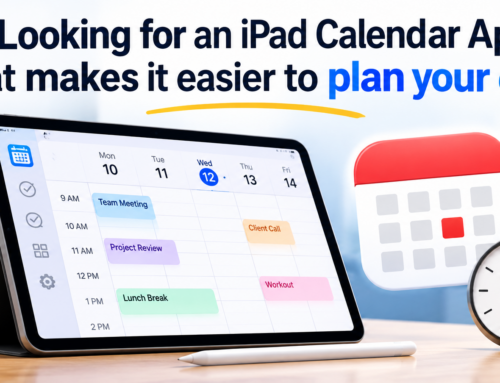
Tasks with due dates show up on your calendar alongside your appointments. That means you see real availability, not just a list of things you hope to finish. Reminders and alerts help you plan, so you aren’t racing the clock the night before delivery.
Contacts That Connect to Your Work
Clients are more than names in a list. With Pocket Informant, you can keep contact details close to your schedule and projects. Before a call, you can check what was discussed, what’s pending, and what the next step should be. That small bit of preparation makes you look sharp and dependable.
A Daily View That Reduces Overwhelm
Instead of staring at an endless list, you can focus on today’s appointments and priorities. A clear daily view helps you decide what to do first, what can wait, and where you have room for new work.
A Simple Workflow to Get Started
Setting up a freelance project management app doesn’t need to be complicated. Follow this five-step routine to build a system you will actually use:
- Add your active clients. Enter each client’s contact details so they are ready when you need them.
- Create a project for every job. Give each one a clear name, a due date, and a short description of the goal.
- Break the work into tasks. Split big deliverables into small steps with their own deadlines. Smaller tasks are easier to finish and easier to track.
- Schedule focus time. Place work blocks on your calendar so deadlines don’t collide with meetings.
- Do a weekly check-in. Spend ten minutes every Friday looking at what’s done, what’s late, and what’s coming up. Adjust your plan before the next week begins.
This routine takes little time, yet it prevents most of the problems that cause missed deadlines and frustrated clients.
Habits That Make Any System Work
Even the best app needs good habits behind it. A few simple practices will help you get more value from your setup:
- Capture everything immediately. When a client mentions a new request on a call, add it right away instead of trusting your memory.
- Set realistic due dates. Build in a buffer for revisions and unexpected delays.
- Keep notes after every conversation. A two-line summary saves you from asking clients to repeat themselves.
- Plan tomorrow tonight. Take five minutes at the end of the day to choose your top three priorities.
- Protect your downtime. Scheduling rest is part of staying productive and avoiding burnout.
Frequently Asked Questions (FAQs)
What is the best way for freelancers to track multiple clients?
Create a separate project for each client and attach tasks, notes, deadlines, and contact details to it. This keeps everything about a client in one place and prevents details from getting mixed up.
Can one app really replace my calendar, task list, and address book?
Yes. Pocket Informant combines calendar, tasks, projects, and contacts, so you don’t need to switch between separate tools to manage your day.
Is a project management tool too complicated for a solo freelancer?
Not if it’s built for individuals. The right tool is simple to set up and focuses on the essentials: tasks, due dates, and client information, without unnecessary team features.
How can I avoid missing deadlines?
Put every due date on your calendar, break large deliverables into smaller tasks, and use reminders. A weekly check-in also helps you catch problems early.
Can I use Pocket Informant on my phone?
Yes. It is designed for mobile use, so you can check your schedule, update tasks, and find client details wherever you work.
Conclusion
Freelancing gives you freedom, but freedom without structure leads to missed deadlines, lost details, and unnecessary stress. When your projects, deadlines, and contacts live in separate places, you spend more energy managing information than doing the work clients pay you for.
A single freelance project management app solves that problem by bringing everything into one clear view. Pocket Informant helps you organize each project, keep every due date visible, and stay connected with the people you work for. Start small: add your current clients, build one project, and schedule your next week. Within days, you’ll feel the difference, and your clients will notice it too.
Ready to simplify your workday? Try Pocket Informant and take control of your freelance business today.

Leave A Comment
You must be logged in to post a comment.