
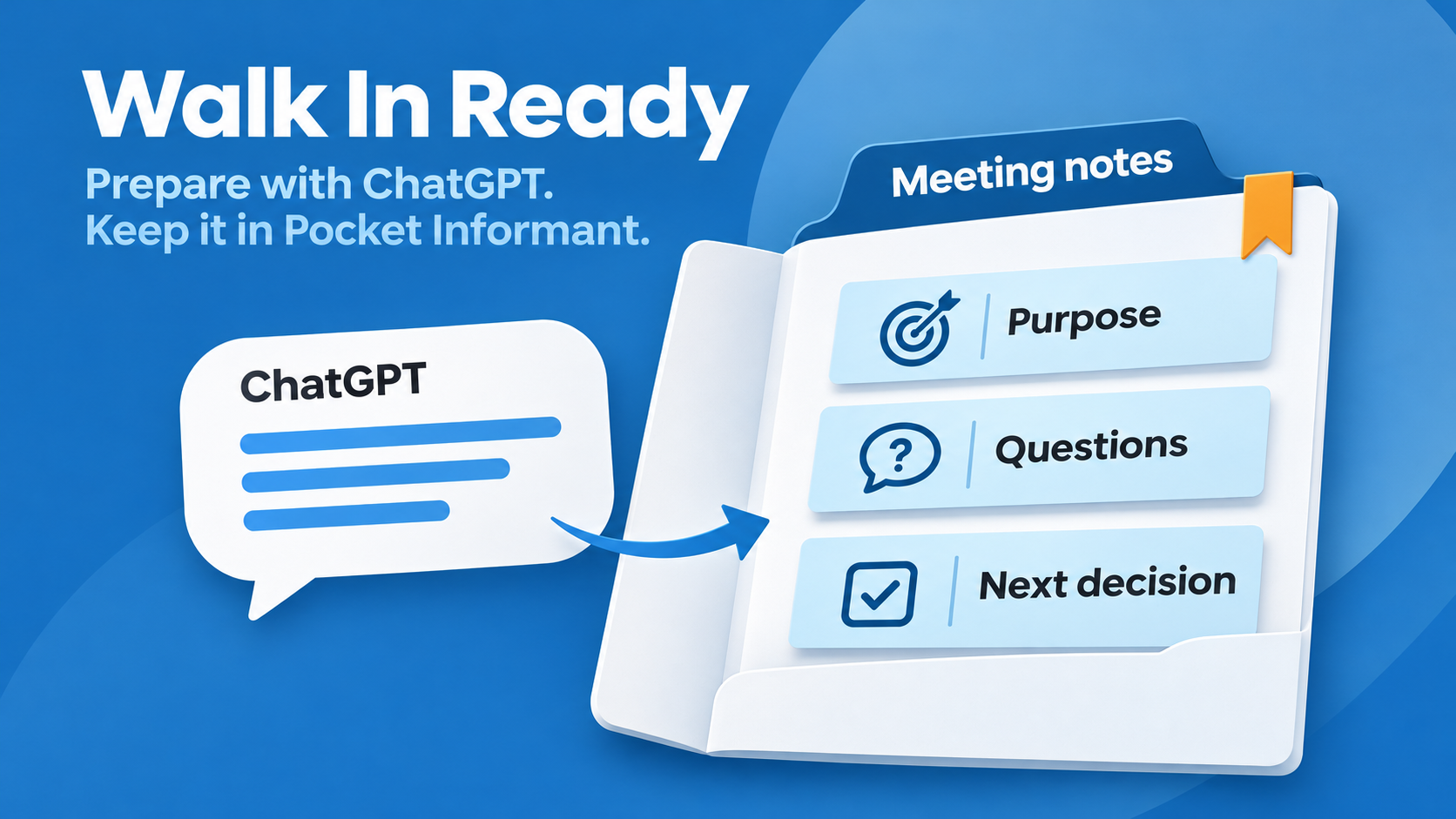
The meeting is on your calendar. You know when it starts. But what do you need to bring to the conversation?
A useful question? A decision you want to reach? A detail you promised to check?
With Thanksgiving approaching, you may be wrapping up work conversations while making room for family, friends, or a quieter day. It is a good week to give your next meeting a little thought before it begins.
ChatGPT can be a place to work through that preparation. With Pocket Informant connected to ChatGPT, you can also ask for an event to be created with the notes you want included.
Start with what the conversation needs to accomplish.
Give the meeting a purpose you can explain
“Project meeting” tells you very little when you open your calendar later.
Imagine you are arranging a 30-minute call to plan a neighborhood book exchange. There are plenty of things you could discuss, but the first conversation needs to settle three basics: where it will happen, who will handle book donations, and how neighbors will hear about it.
Before asking ChatGPT to help, finish this sentence:
“By the end of this meeting, I want us to have decided ______.”
For this example, that might be a possible location and a person responsible for checking its availability.
That gives your preparation a direction. You can choose questions that support the decision you actually need.
Ask ChatGPT for questions that fit
Give ChatGPT the situation and the outcome you have in mind. For example:
“I am planning a 30-minute call about a neighborhood book exchange. We need to choose a possible location and decide who will check its availability. Suggest three questions to help us reach those decisions.”
Read the suggestions and choose what is useful. A question about opening hours might matter. A detailed publicity plan might belong in a later conversation.
Add anything only you know. Perhaps someone has already offered a venue, or the group needs step-free access. Those details should shape the questions you keep.
You are preparing a conversation with real people. Use the suggestions as a starting point, then make them your own.
Put the useful details in the event
Once you have chosen your questions, give them a place alongside the meeting time.
For a new event, Pocket Informant for ChatGPT lets you include notes when you describe what to create. Here is an illustrative request:
“Create an event in Pocket Informant called Book exchange planning call on December 3, 2026, from 10:00 to 10:30 AM Mountain Time. In the event notes, include: Goal: Choose a possible location and someone to check availability. Questions: Is the location accessible? Is there space to receive and sort books? Who will contact the venue?”
Replace the example date, time, title, and notes with your own details. If the appointment is already saved, check that existing event before requesting another one.
Keep the notes brief enough to scan. A purpose and a few useful questions can be enough for a short call.
Check the event before you rely on it
After making the request, review the response and open the saved event in Pocket Informant.
- Is the meeting on the intended date, at the right time and in the right time zone?
- Does its duration match what you agreed?
- Are your purpose and chosen questions in the notes?
- Is anything still a suggestion that needs confirmation?
For our book exchange, a possible venue remains a possibility until someone checks it. Keep that distinction clear in your notes.
Review any separate invitations or arrangements too. A saved calendar event is only one part of organizing a meeting.
Arrive with somewhere to begin
Before the call, open the event and read the purpose and questions you kept.
You now have a starting point: “Today, can we choose a possible location and agree who will contact it?”
The discussion may change direction. Your notes give you something to return to when it is time to decide what happens next.
Try this with one upcoming meeting. Choose the outcome, work through a few questions in ChatGPT, and keep the useful details with the appointment.
Connect Pocket Informant to ChatGPT
You will need a ChatGPT account and a Pocket Informant account with an Informant Sync subscription.
Follow our guide to connecting Pocket Informant to ChatGPT to get started.
Explore Pocket Informant to keep your calendar, tasks, and notes part of your planning.
See Your Schedule and Tasks Together
A realistic plan gets easier when your appointments and tasks aren’t living in completely separate worlds. Pocket Informant brings calendar and task planning together so you can see more of your day in one place.


Leave A Comment
You must be logged in to post a comment.